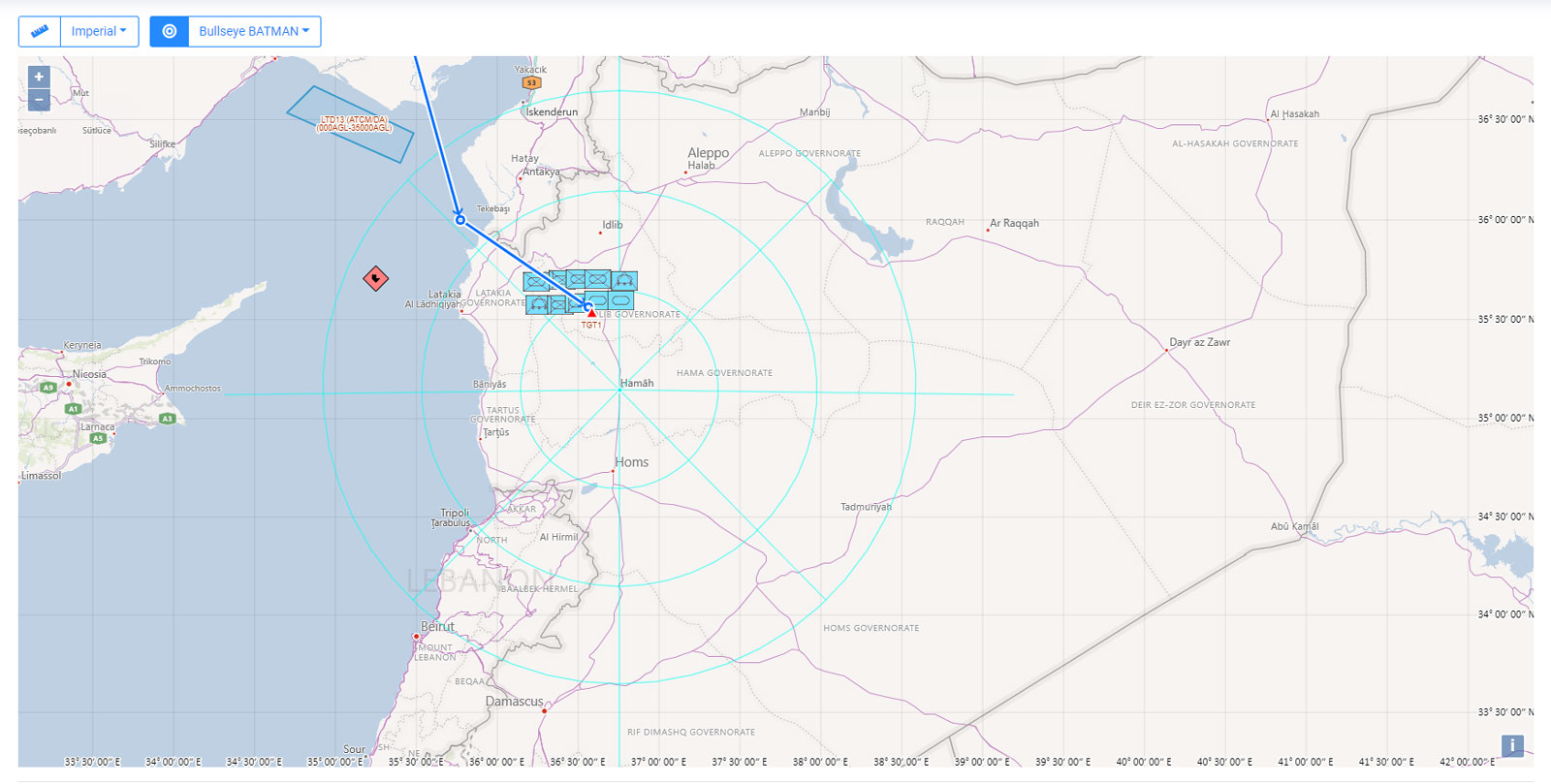
New bullseye selection and visualization have been added in Mission Planner and we created the first quick guide to help you in your mission planning process.
A new button and select menu have been added to Mission Planner map to switch between two different symbologies. The selected bullseye will be also displayed in the Mission Data Card.
The first quick guide regarding ATO, ACO and SPINS can be downloaded in pdf format can be downloaded from the new documentation section in the main website.
Gallery