Improve real-time radar track management in DCS Airspace with track-anchored BRAA measurements and persistent, live-updating BRAA between selected tracks.
New BRAA Measurement Features in DCS Airspace
DCS Airspace introduces two improvements to BRAA measurements, making real-time radar track monitoring and airspace control more intuitive and efficient in DCS World.
Track-Anchored BRAA Measurements
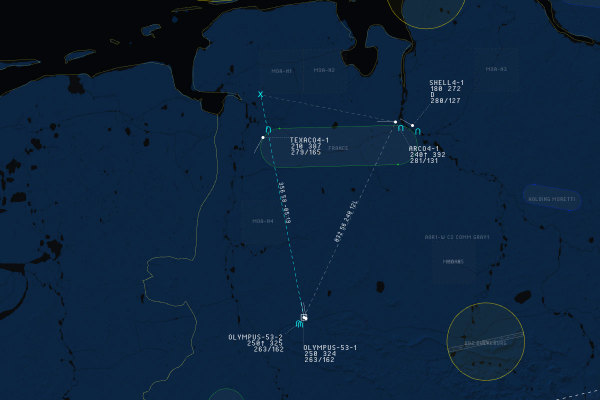
Start a BRAA measurement with the middle mouse button over a radar track to anchor the measurement to that track. The reference point remains attached to the selected track as it moves, ensuring accurate, continuously updated BRAA information.
Persistent Real-Time BRAA
DCS Airspace now supports two ways to create persistent BRAA between radar tracks. The existing method remains available: hold Left Shift and click another track with the left mouse button while a track is selected to toggle persistent BRAA on or off.
New: hold Left Ctrl while starting a BRAA measurement with the middle mouse button to create a persistent BRAA relationship between the initial track and the track where the mouse is released. The BRAA remains displayed and updates in real time as the tracks move, making it easier to monitor relative bearing, range, and altitude during ongoing operations.
DCS Airspace is free, web-based real-time ATC, AWACS, and GCI software for DCS World, part of the Combined Ops suite.